
Use cases · By problem
AI use cases for small businesses: start from the problem, not the tool.
A missed call, a retyped order, a report built by hand on Sunday night: seven everyday problems, seven AI use cases, each shown on video with what the tool takes on and what stays with your team.
30-minute callNo commitmentReply within 24 hours
The seven use cases
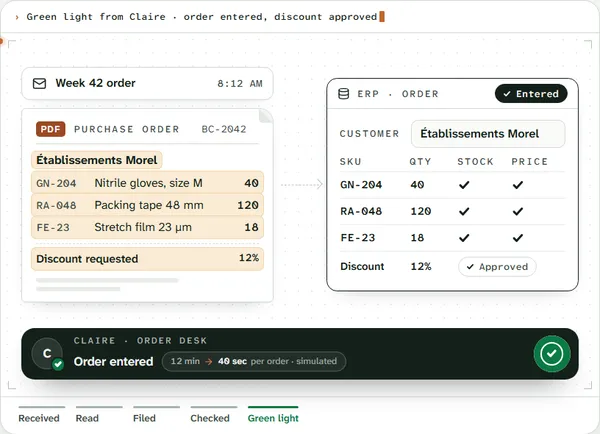 01Data entry & repetitive tasksOrders and emails retyped by hand.See the use case
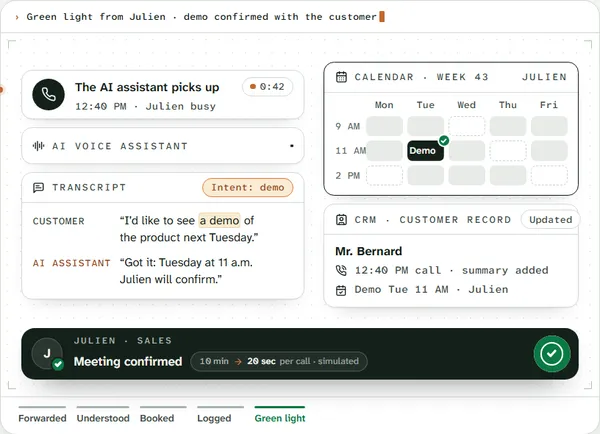 02Missed callsNo one to pick up, a customer lost.See the use case
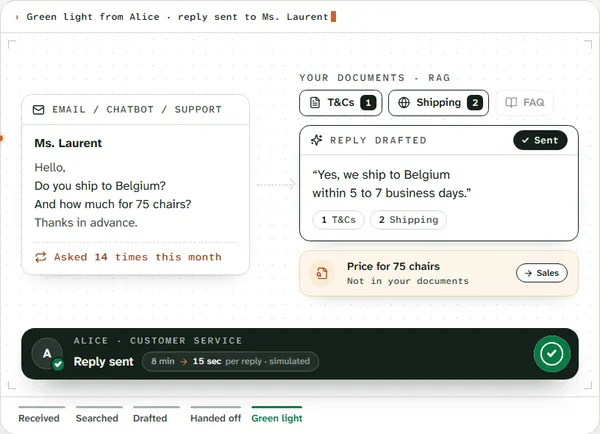 03Repeat customer questionsThe same answers, ten times a day.See the use case
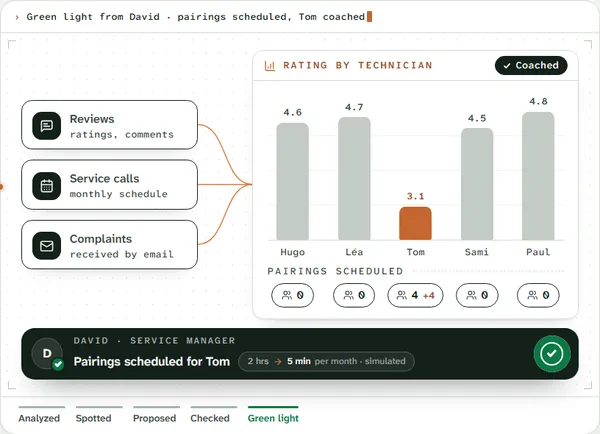 04Reviews & complaintsReviews nobody reads.See the use case
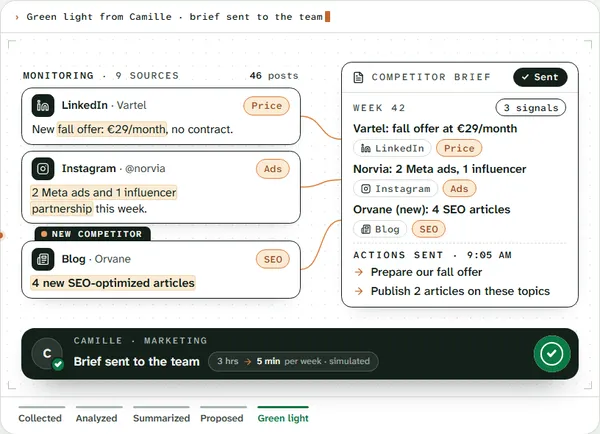 05Competitor monitoringYour competitors post. You miss it all.See the use case
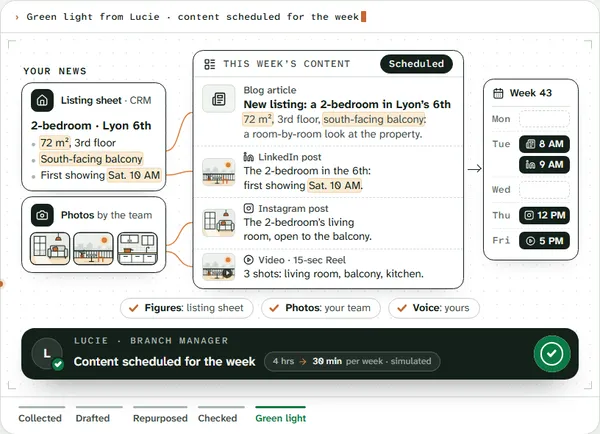 06Content creationPost every week without losing the day.See the use case
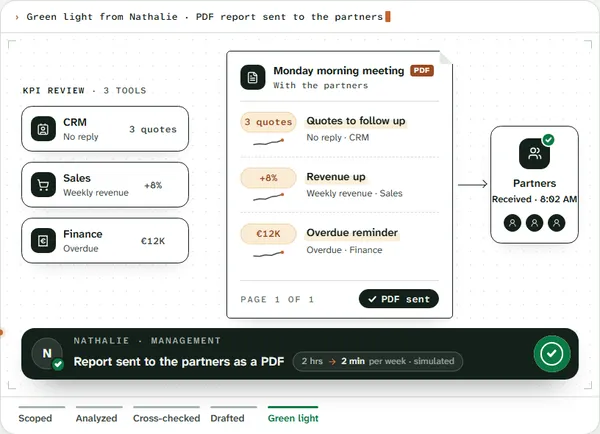 07Reports & KPIsYour numbers, scattered across three tools.See the use case
- Book a call
Don’t see your situation?
The same steps come up under different names. Describe your task in one sentence, and I’ll tell you whether AI can take it off your plate.
About
You talk to the person who builds it.

Loïc Legrand
AI developer & UX designer · Paris
As the founder of DigitalCX, I take your first call, design the tool, write the code, and look after it once it’s live.
- No salespeople, no subcontracting
- 8 years of experience
My AI agents
They catch blind spots from the start and watch for instability.
- Testing agentReplays every real case before delivery
- Code review agentReviews every code change
- Documentation agentUpdates the guide and the log
- Monitoring agentChecks nightly that everything runs
- Updates agentTracks updates to your software
Every piece of work an agent prepares goes out only after Loïc approves it.
Clients who’ve trusted me.
From SMBs to international groups.












- Jobify
Contact
Which task do you want to stop doing by hand?
Describe it in one sentence. I’ll tell you if AI can really take it off your plate.
On the call, we look at your workflow together and I show you the closest tool, on sample data. If a simple setting in your software does the job, I’ll tell you.
Questions
AI use cases. Straight answers.
01Are these AI use cases from real clients?
No. They’re simulated scenarios with fictional companies and people, to show how the tool works. On the first call, I show you the same thing on a task from your business.
02My problem isn’t on the list. What now?
The same steps come up almost everywhere: reading, entering data, checking, replying, following up, reporting. Describe your task in one sentence on the first call. I’ll tell you whether AI can take it on, or whether a simple setting in your software is enough.
03Do I have to automate everything at once?
No. We start with the task that costs you the most time, with your team approving the results. Once it runs without corrections, it can switch to fully automated. Then we move on to the next one.
04Will it work with our software?
I check on the first call. If your ERP, CRM, or email system can share data through an API or exports, the tool connects to it. If not, I’ll say so plainly.