Industry · Construction
AI for construction companies: less paperwork, more time on site.
AI for construction companies doesn’t lay bricks. It takes on the office work that spills into your evenings: takeoffs, bid packages, site reports, progress billing, subcontractor paperwork. It reads, calculates, and prepares it in your estimating software. Project managers review, and document reminders can go out on their own.
- Site reports dictated from the field
- From takeoff to bid, with your prices
- Subcontractor certificates kept current
30-minute callNo commitmentReply within 24 hours
Office log · WednesdayExample
- 7:50 AMDurand site report writtenApproved
- 8:15 AMSchool bid set read, 4 trade packages foundAuto
- 9:00 AMPackage 3 takeoff turned into a bidApproved
- 10:40 AMSub invoice matched to the contractAuto
- 11:20 AMExpired compliance certificate followed upAuto
- 2:00 PMPay app #4 prepared for Martin SAApproved
Tasks handled this morning: 0
Your day-to-day
The job moves ahead, the paperwork waits for evening.
Estimating, site reports, admin: in construction, office work too often gets done after 7 p.m.
- 01
Bids priced at night and on weekends
Takeoffs, price libraries, unit cost breakdowns: estimating spills into your evenings, and every bid you pass on is a job lost.
- 02
Site reports written after the fact
Notes from site meetings, photos, punch list items: it all gets written up back at the office, often late, sometimes never.
- 03
Admin work that eats into site time
Progress billing, closeout documents, subcontractor certificates, invoices to match: the paperwork piles up, and one missing document can hold up a payment.
Six tasks to hand off to AI
From bid package to margin report, what AI takes on.
Documents that commit your company stay under review for as long as you want. Reminders and invoice matching can run on their own once they’ve proven themselves.
- With approval
Turn takeoffs into bids
Takeoff quantities are pulled in, your prices and unit cost breakdowns applied, and the bid prepared in your software for review.
ServiceBusiness process automation - With approval
Review bid packages, draft proposals
Bid instructions, specs, schedule: requirements are pulled out, your references and methods reused, and a first draft of the technical proposal prepared.
ServiceAI agents for business - With approval
Write the job site report
Dictated notes, photos, and punch list items become a clean site report, sent to all parties once reviewed.
ServiceAI agents for business - With approval
Draft monthly progress billing
Progress by package, change orders, retainage: the pay application is calculated and prepared for the client.
ServiceBusiness process automation - Can run on its own
Keep subcontractor paperwork in order
Compliance certificates, insurance, invoices: every document is checked, and anything missing or expiring gets a reminder.
ServiceBusiness process automation - With approval
Produce the margin report
Hours, purchases, subcontracting, and billings cross-checked by job: actual margin versus estimate, every Monday.
ServiceAI integration
A typical day
A project manager’s day, before and after.
Same jobs, same meetings: the site report no longer gets typed up at 8:30 p.m.
Today
- 7:30 AMSite meeting, notes in a notebook
- 1:00 PMFollowing up with a sub about a certificate
- 5:00 PMMonthly pay app keyed into a spreadsheet
- 8:30 PMSite report typed up at home
With the tool
- 7:30 AMSite meeting, notes dictated into a phone
- 9:00 AMSite report reviewed and sent to all parties
- 1:00 PMMissing documents already followed up
- 5:00 PMPay app prepared, checked, and sent
Illustrative example: fictional company and schedule.
A site report to type up tonight?
On the first call, I’ll show you the tool that writes it from dictated notes, on a fictional job. Thirty minutes, no commitment.
Your software
Your estimating software stays at the center.
The tool works with your estimating and invoicing software, your email, WhatsApp, and your shared job folders.
 EBP
EBP- Sage
- Excel
- Google Sheets
- Outlook
- Gmail
- Google Drive
- SharePoint
- Teams
- Google Calendar
- Odoo
Batigest, Obat, EBP Bâtiment, Onaya, Graneet, or takeoff software? If it can export its assemblies and bids, the tool works with it. I check that on the first call.
About
You talk to the person who builds it.

Loïc Legrand
AI developer & UX designer · Paris
As the founder of DigitalCX, I take your first call, design the tool, write the code, and look after it once it’s live.
- No salespeople, no subcontracting
- 8 years of experience
My AI agents
They catch blind spots from the start and watch for instability.
- Testing agentReplays every real case before delivery
- Code review agentReviews every code change
- Documentation agentUpdates the guide and the log
- Monitoring agentChecks nightly that everything runs
- Updates agentTracks updates to your software
Every piece of work an agent prepares goes out only after Loïc approves it.
Clients who’ve trusted me.
From SMBs to international groups.












- Jobify
The construction guide
AI in construction: what works now, and what doesn’t yet.
AI in construction doesn’t replace your estimator or your superintendent. It takes on everything around the job: estimating, bids, site reports, progress billing, subcontractor follow-up. It’s office work that often lands on the owner or the project manager, in the evening.
Unusual situation? In 30 minutes, I’ll tell you what AI can take on, and what it shouldn’t do.
Book a call01What AI already does for construction companies
The most solid uses are the ones that involve reading lots of documents and applying known rules:
- Bids and estimating: pulling in takeoff quantities, applying your price library and unit cost breakdowns, preparing the bid in your software.
- Bidding: reading the bid package (instructions to bidders, technical and contract specs, schedule), listing the requirements and documents to submit, preparing a first draft of the technical proposal from your past projects.
- Site reports: turning dictated notes, photos, and punch list items into a clean document.
- Progress billing: calculating progress by package, change orders, and retainage.
- Subcontractors and closeout: checking compliance certificates (in France, the attestation de vigilance), matching invoices to the contract, gathering closeout documents at the end of the job.
To automate your construction bids and follow-ups, see business process automation with AI. At first, a person reviews everything. Tasks that have proven themselves can then run on their own.
02Can AI estimate a construction bid straight from the plans?
Not reliably today, and I’d rather say so. Reading a plan and working out areas, linear measurements, and quantities still takes takeoff software or an estimator’s eye. A full estimate pulled from a plain PDF plan makes mistakes that get expensive on a lump-sum contract.
What AI does well is the next step. From an existing takeoff, it finds the right assemblies in your library, applies your prices and markups, flags line items with no price, and prepares a complete bid. The estimator or owner keeps the measuring and the decision, and the formatting and repetitive math no longer eat into their evenings.
If you already use takeoff software, the tool takes its quantities as they are: nothing is remeasured, nothing is guessed.
03AI for contractors: trades, GCs, or engineering firms
Where to start depends on what takes up most of your time:
- Trade and finish contractors: often bids and their follow-ups, then invoices. That’s where the owner loses their evenings.
- Structural or general contractors: bids and technical proposals, progress billing, then subcontractor follow-up and the margin report by job.
- Engineering firms and construction managers: site reports, reviewing the written specs, and preparing closeout documents.
A 10-day AI audit measures the time actually spent on each task, with the people who do it, and picks the first one. The prototype is then built in 5 days on your own documents, and go-live happens on a date in writing.
04Will your field crews actually use it?
That’s the real question in construction, where new software often ends up abandoned. The answer comes down to one rule: add nothing to their day. The superintendent dictates notes into a phone or sends them on WhatsApp, as they already do. The tool handles the rest and files the site report in the right place.
At the office, your team keeps working in its estimating and invoicing software. It only sees the prepared documents, to review or approve, and the cases that fall outside the rules.
The tool doesn’t replace your project managers or your office assistant. It takes the thankless tasks off their plate, the kind that seem harmless until an expired certificate or a miscalculated pay app costs money. Maintenance and repair companies have similar needs: see AI for field service companies.
Questions
What construction companies ask. No sugarcoating.
Company size, estimating software, cost, job data: what construction business owners ask me.
01Is AI for construction companies only for the big players?
No. A 15-person company has the same bids, site reports, and pay apps as a large group, without an admin department to absorb them. That’s actually where the time saved shows up fastest.
02Does AI connect to our construction estimating software?
Yes, if your estimating software can share its data through an API or exports. Batigest, Obat, EBP Bâtiment, or another: I check yours with you on the first call.
01How much does AI for construction companies cost?
Like a lump-sum contract: a fixed price, written in the proposal, that depends on the task and the systems to connect. The 10-day audit counts the office hours lost, and its fee is credited toward the prototype if you continue.
02How long before the tool is working on our jobs?
After the 10-day audit, the prototype is built in 5 days on your own documents. Go-live follows on a date written in the proposal, with your team reviewing everything at first.
01Is our job data and pricing secure?
Yes. Your prices, contracts, and documents stay yours, as do the accounts and the code. The AI provider is named in the contract, European if you prefer, and doesn’t train on your data.
Other industries
Same tasks, different names
Contact
Which task do you want to stop doing by hand?
Describe it in one sentence. I’ll tell you if AI can really take it off your plate.
On the call, we look at your workflow together and I show you the closest tool, on sample data. If a simple setting in your software does the job, I’ll tell you.
The blog
Go further
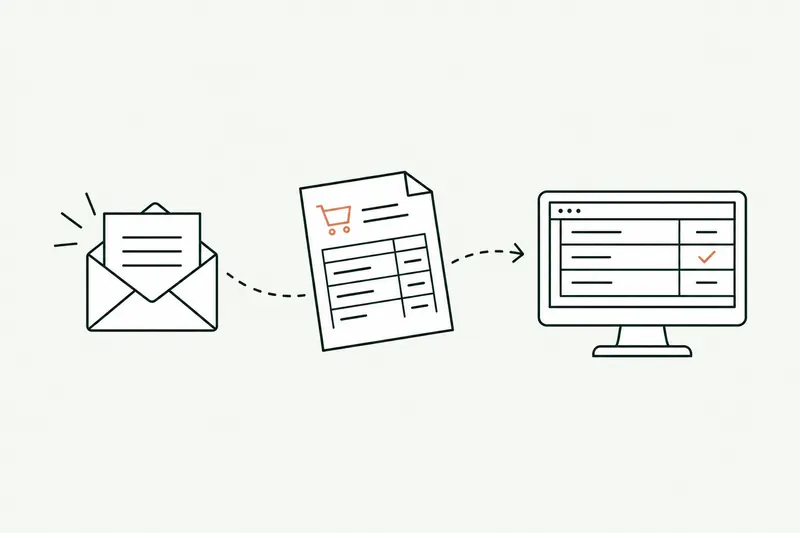
- Automation · 10 minEDI or AI: automating the entry of email orders into your ERPOrder EDI only covers your biggest customers: the others still send PDFs, spreadsheets, and emails that the order desk retypes into the ERP. Here’s how AI reads those orders, checks them against your rules, and prepares them in the software, and what e-invoicing won’t change.Read the article
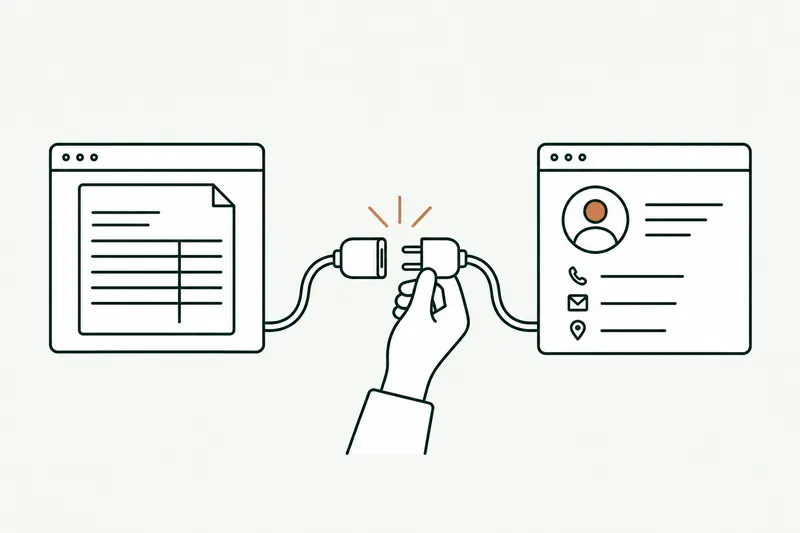
- Automation · 11 minSage 100 API (France): connecting AI and your other software to your ERPThere isn’t one Sage 100 API, but several ways in, and the right one depends on your version and your hosting. Here’s a neutral map of those paths, what each one lets you read or write, how to plug AI into them, and where Odoo, EBP, and Cegid stand.Read the article
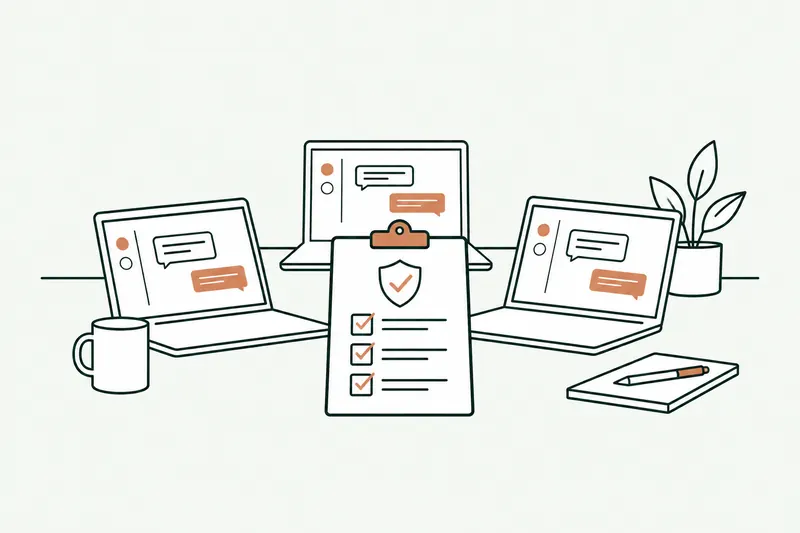
- Data & security · 10 minShadow AI: your team already uses ChatGPT. How to manage it without banning itShadow AI is the use of ChatGPT, Claude, or Copilot at work with personal accounts, outside any framework. The risk isn’t AI, it’s the account: here’s what the numbers, France’s CNIL, and ANSSI say, which accounts to choose, and a one-page AI policy template.Read the article