Key takeaways
- Sage 100 France has no simple native web API: the standard way to write data is the Objets Métiers library (Sage’s business objects), on Windows, which enforces the business rules. Sage also documents an API tied to Microsoft 365, but check that it covers your version.
- It all depends on hosting: on your own server or in Sage Partner Cloud, you connect through a local agent. The shared online version can’t be integrated, according to one connector vendor (confirm this with Sage).
- To plug in AI: a middleware program in your name that reads and writes through those paths, with limited permissions and a log. Writing directly to the SQL database remains a no-go.
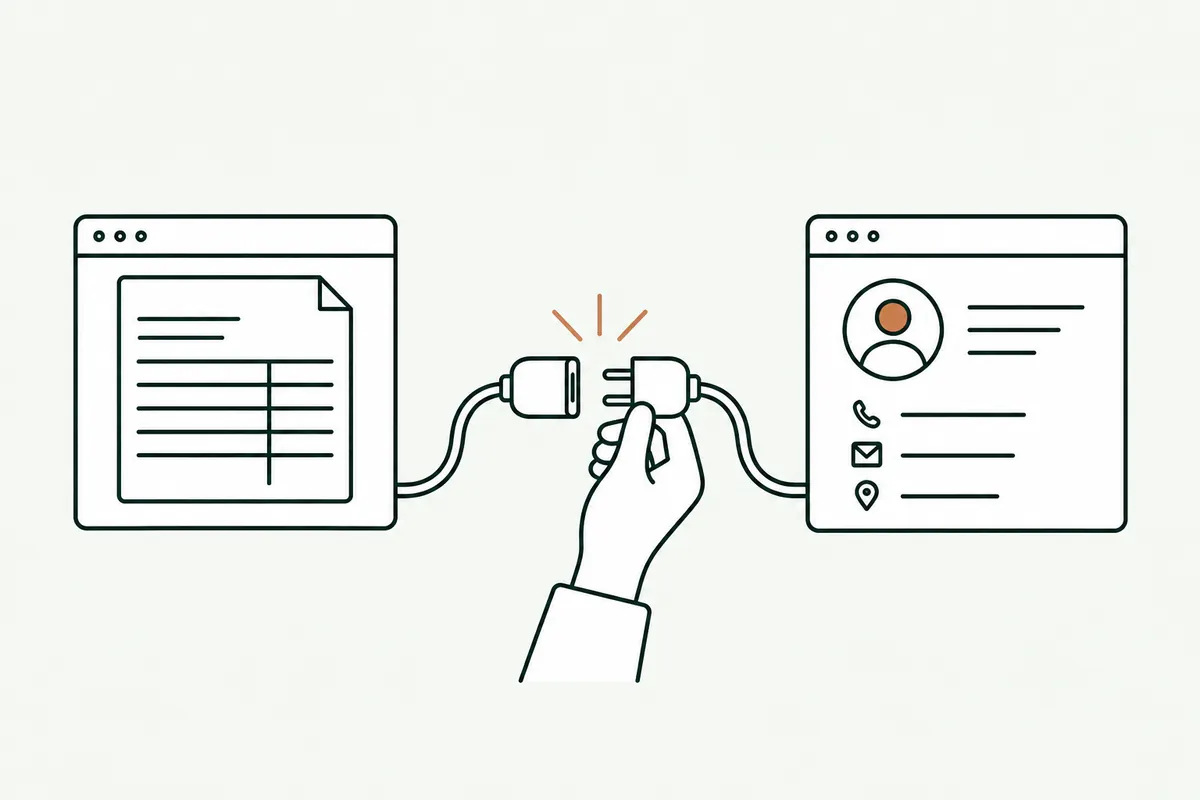
Looking for the Sage 100 API to connect the French edition of Sage 100 to a website, a CRM, an ordering tool, or an AI assistant? The short answer: Sage 100 France can be connected, but not through a single API. To create orders, customer and supplier accounts, or items, the standard path is still Sage’s Objets Métiers library. For reading, you also have the SQL Server database and, depending on the version, an API tied to Microsoft 365. What’s possible for you depends first on your version and your hosting.
I come across Sage 100 very often at small businesses in wholesale and distribution and manufacturing. The question always comes up the same way: “can we stop retyping everything into Sage?” This article maps out the paths, without selling a connector. One disclaimer: I’m not a Sage partner. What follows comes from Sage’s public documentation, its community, and connector vendors, each one cited.
Key point An English-language search for “Sage 100 API” often leads to a different product: in the US, Sage 100 is a different ERP from Sage 100 France (Comptabilité, Gestion commerciale). Always check that the documentation covers the French edition.
Why connect Sage 100 to your other software?
Because Sage 100 is often the hub of the business, but not the only place where work comes in. Orders land in the order desk’s inbox, prospects live in the CRM, the e-commerce site has its own catalog, and management wants its numbers without an Excel export. Every handoff between two systems means retyping, and every retyping is a chance for error.
The data flows I’m asked to build most often:
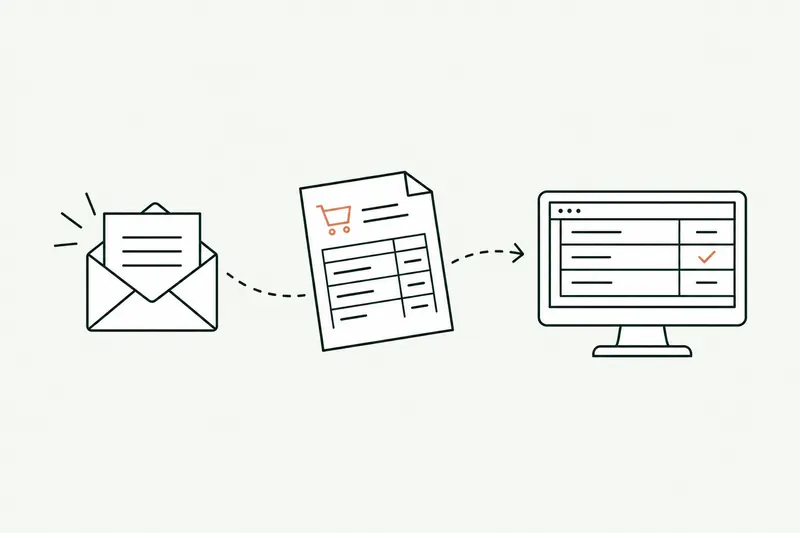
- Orders received by email or as PDFs, read by AI and created as sales documents in Sage 100 (the topic of the article on automating order entry into the ERP).
- E-commerce site or B2B portal: items, customer-specific prices, and stock published from Sage, orders brought back into Sage.
- CRM: customer records and quotes kept up to date in both directions, with no double entry.
- Dashboard: revenue, margins, and outstanding balances, read every morning for the Monday briefing.
- AI assistant: ask a question in plain language (“which Martin SA orders are late?”) and get an answer drawn from Sage.
This need is far from marginal: INSEE, France’s national statistics office, reports that incompatibility with existing software holds back 38% of companies with 10 to 49 employees that don’t use AI, and 45% of those with 50 to 249. The connection is often the real issue, before the AI model.
Sage 100 API (France): what are your access options?
There are four paths. They aren’t mutually exclusive: a good integration often combines two, one to read and one to write.
| Path | Read | Write | What you need | Watch out for |
|---|---|---|---|---|
| Objets Métiers (Sage library) | Yes | Yes, with business rules | Windows, Sage 100 installed, C# or VB development | Local agent, one write at a time, sessions to monitor |
| API tied to Microsoft 365 (Power Automate, Power Apps) | Yes | Check for your version | Microsoft 365 subscription, deployment on the Sage server | Documented on developer.sage.com, mixed feedback on coverage |
| Third-party REST layer | Yes | Yes, through Objets Métiers | License or subscription with the third-party vendor | Third-party dependency, keeping up with Sage updates |
| SQL Server database | Yes | No: avoid | Server access, read-only account | Undocumented schema, data corruption risk on writes |
Objets Métiers: the path that respects business rules
Objets Métiers is a library Sage provides for Windows (a COM component, in other words a DLL). It lets a program create, modify, or delete sales documents, customer and supplier accounts, or items exactly as the application would, numbering, checks, and stock movements included. On Sage’s official forum, a community member sums it up this way for on-premises databases: Sage provides no web API, but it does provide Objets Métiers, on which you can build your own. You need Sage 100 installed with its client component, and the components are 32-bit. According to the same forum, downloading it doesn’t cost anything, but training does; ask your reseller for the terms.
The Sage 100 API tied to Microsoft 365
Sage highlights the link between Sage 100 and Microsoft 365, and its product sheets, distributed by resellers, mention a connector for Power Automate and Power Apps. Sage documents the corresponding API on its developer portal, developer.sage.com. I couldn’t access that portal when writing this article (it blocks automated reading), so the list of exposed data, whether you can write documents, the minimum version, and the cost should be checked at the source, or with your reseller, before any project. On Sage’s forum, a connector vendor called this connector “very incomplete” a few years ago; it may have evolved since.
Third-party REST APIs built on Objets Métiers
Several companies sell a ready-to-use REST API built on Objets Métiers, such as Webservices 100 (PPI group) or Assortir. It’s a real time-saver when you have many data flows, at the price of a third-party dependency and a subscription. I mention them as examples, not recommendations: ask for the list of operations covered, compatibility with your version, and how quickly they update after a new Sage release.
The SQL Server database: for reading, not writing
The SQL versions of Sage 100 store their data in Microsoft SQL Server. Reading directly in SQL is fast, and useful for a dashboard or for extracting large volumes, using a read-only account. Writing in SQL is another matter: you bypass all the application’s rules, at the risk of throwing stock, numbering, and accounting out of sync. The connector vendor Chift strongly advises against it, and I never do it.
Sage 100 on-premises, Sage Partner Cloud, or online: your version matters
Before getting technical, one question: where does your Sage 100 run? Sage now offers Sage 100 hosted in the Microsoft Azure cloud and set up by certified “Sage Partner Cloud” partners, alongside traditional installations on your own servers. Sage has also announced a new web interface and an AI assistant included in every package.
| Your Sage 100 | Possible access (per Chift, a connector vendor) | What to check |
|---|---|---|
| Installed on your server | Objets Métiers and SQL Server, through a local agent | Exact version, SQL edition, server permissions |
| Sage Partner Cloud (Azure, managed by a partner) | Objets Métiers, through an agent installed in the environment | Hosting partner’s approval to install the agent |
| Sage 100 online, shared environment managed by Sage | No access to Objets Métiers, so no integration, according to Chift | Confirm with Sage: plans and APIs change |
The version matters too. According to one reseller, version 12 of Sage 100, released in 2025, “enriches the APIs and business objects.” An older installation can therefore limit what’s feasible, and an upgrade may be part of the project.
Key point Write down your version number, your hosting (server, Sage Partner Cloud, online), and your reseller’s name. With those three details, you can tell in ten minutes which access path is open to you.
Can you connect AI like ChatGPT or Claude to Sage 100?
Yes, but not directly. An AI model doesn’t connect to anything by itself: a middleware program, in your name, fetches the data from Sage, passes it to the model, collects the answer, and, if that’s part of the plan, writes the result through Objets Métiers. That’s what I call AI integration: the connection matters more than the model.
MCP (Model Context Protocol), which lets an assistant like Claude or ChatGPT call a software tool’s functions, is spreading fast. For Sage 100 France, I found no official MCP server as of October 8, 2026; the only Sage MCP server I came across is for a different product, Sage Intacct. So be wary of any offer billed as “the official Sage 100 MCP.” Nothing stops you from building one on the paths described above, with three rules:
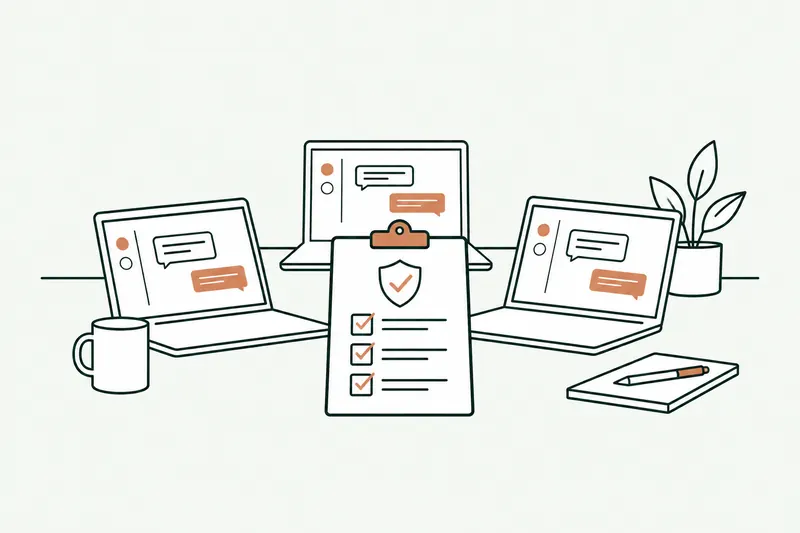
- Read-only at first. The assistant answers questions; it writes nothing until the use cases are clear.
- The user’s own permissions. A sales rep only gets what they already see in Sage, not the margins across the whole portfolio.
- A log. Every question, every piece of data sent to the model, and every write is recorded.
When the tool writes (an order, a customer record), control is set task by task: a person first approves each prepared document, then proven cases switch to fully automated, and anything outside the rules goes back to the team. The AI assistant Sage announces in Sage 100 is for querying the software; it doesn’t replace a connection to your other tools. And to set ground rules for your team’s use of ChatGPT in the meantime, see the article on shadow AI and how to write an AI policy.
What if your ERP is Odoo, EBP, or Cegid?
The same question comes up for other small business ERPs, with very different answers. Here’s what the vendors say in their public documentation, read on October 9, 2026.
| ERP | What the vendor documents | Watch out for |
|---|---|---|
| Odoo | JSON-2 API (version 19), MCP server documented in recent versions | On Odoo Online, API limited to “Custom” plans |
| EBP | API documentation for EBP Gestion Commerciale Open Line | Coverage to check by product line and version |
| Cegid | Developer portal with documented APIs, for example for Cegid Loop (no-fee Standard key, paid Advanced key) | Varies by Cegid product: check product by product |
| Sage 100 | Objets Métiers, API tied to Microsoft 365 | Version and hosting are decisive |
Odoo API: the new JSON-2 API and the end of XML-RPC
Odoo is the most open of the four, with one catch. Since version 19, the external API works through JSON-2 calls: one request per model and per method, an API key passed in the header, and each call in its own transaction (two successive calls don’t roll back together on an error, so plan for it). Keys expire after three months at most, so you need a process to renew them. The old XML-RPC and JSON-RPC APIs are deprecated, with removal announced for Odoo 22 in fall 2028: a connector written today should target JSON-2. Above all, the documentation is explicit: data access through the external API is only available on “Custom” plans. It isn’t available on the entry-level One App plan or on Standard.
Odoo MCP: an MCP server in recent versions
Odoo documents a native MCP server in its most recent versions (documentation for version 20 and for online version 19.4): the AI assistant connects to the database URL followed by “/mcp” with a dedicated API key, and acts with the permissions of the user who created it. The exposed actions are configured in Odoo. Check your version and plan before relying on it. Community MCP servers exist for older versions, but they often go through XML-RPC, which is on its way out.
Security and maintenance for a Sage 100 integration
An integration is a small piece of software that lives next to your ERP. It has to be built to last:
- A dedicated service account in Sage, with the permissions it needs and no more, never the administrator account.
- A local agent kept up to date, installed on the Sage server or in the partner’s environment, that connects outward without opening any inbound port.
- A log and error recovery: an order that couldn’t be created must be flagged and replayed, not lost.
- A test after every Sage update, on a test database, before the live one.
- Keys and passwords in a vault, not in the code or in a shared spreadsheet.
- A manual mode: if the integration stops, the team goes back to entering data as before, without losing anything.
How much does a Sage 100 API integration cost?
I don’t publish prices, and be wary of anyone who quotes a price without seeing your setup. What drives the cost is well known:
- the access path: a third-party REST layer adds a subscription but cuts development; the Objets Métiers library takes more work;
- the direction: reading costs less than writing, because writing needs checks, error recovery, and approval;
- the number of data flows and systems to connect;
- the state of your data: item records, customer-specific prices, reference mappings;
- maintenance: Sage updates, key renewal, log monitoring.
To ballpark a broader budget, with an app or a portal around it, my guide to custom software development cost lists published price ranges and their sources. The integration work itself is described on the API integration page.
What I don’t recommend
- Writing directly to Sage’s SQL database. It’s quick to code and expensive to fix.
- A connector with no log or error recovery. The day an order goes missing, nobody knows why.
- Trusting “the official API” without reading it. Ask for the documentation, the version covered, and a trial on a test database.
- Connecting AI with the administrator account. An innocent question can then expose margins or other customers’ data.
- Automating everything from the first flow. Start by reading, then write with approval, then let proven cases run on their own.
Sources
- Sage 100 product page (in French), Sage France, read on October 9, 2026
- Is there a web API to access Sage 100 databases? (in French), Sage Community Hub forum
- Objets Métiers pricing (in French), Sage Community Hub forum (developer community)
- Sage 100 France Enterprise: API documentation, Sage Community Hub forum
- Sage 100 API and Microsoft 365 (OData, Power Automate), Sage Developer portal (not consulted: access blocked on October 9, 2026)
- Sage 100 France: integration by version, Chift (connector vendor)
- How to succeed with your Sage 100 Gestion commerciale API integration (in French), Chift
- What’s new in Sage 100 v12 (in French), IG Conseils (reseller)
- Modernizing your ERP with the Webservices 100 API (in French), Paperjam
- Sage Intacct MCP server, Baker Tilly
- External JSON-2 API, Odoo 19.0 documentation
- AI MCP server, Odoo 20.0 documentation
- API for EBP Gestion Commerciale Open Line (in French), EBP online help
- Cegid Loop API: getting started, Cegid Developers
- Insee Première No. 2120, AI use in businesses (in French), July 21, 2026

Loïc Legrand
AI developer and integrator in Paris, founder of DigitalCX. Eight years of web development and design; he builds AI tools plugged into the software small businesses already use.