Industry · Consulting & agencies
AI for consulting firms & agencies: more billable hours.
AI for consulting firms and agencies drafts the first version of the work that takes over your evenings: proposals, workshop summaries, client reports, timesheets. Pre-filled timesheets and market monitoring can run on their own. Anything that goes to a client goes through the consultant first.
- For partners, consultants, project managers
- In your CRM and shared folders
- Every reused passage cites its source
30-minute callNo commitmentReply within 24 hours
Firm log · ThursdayExample
- 8:15 AMMarket brief for client Martin readyApproved
- 9:00 AMDurand proposal drafted, 3 references attachedApproved
- 11:40 AMWorkshop transcribed: 7 decisions, 5 action itemsAuto
- 12:30 PMWeekly timesheets pre-filled for 6 consultantsAuto
- 3:10 PMMonthly client report formattedApproved
- 5:30 PMMonthly invoices prepared, 2 overruns flaggedApproved
Tasks handled this morning: 0
Your day-to-day
Proposals, workshops, timesheets: the hours nobody bills.
They don’t show up on any invoice, and you only see them at year-end.
- 01
Proposals written in a rush
Every RFP starts from an old proposal, reworked late at night while you hunt for the right references across ten folders.
- 02
Workshops that end in scattered notes
The summary shows up three days later, if at all, and decisions and action items get lost between notebooks and whiteboards.
- 03
Time logged on Friday, from memory
Timesheets get filled out late and roughly: billing slips, and the real profitability of each engagement stays fuzzy.
Six tasks to hand off to AI
Six consulting tasks to hand off to AI, from proposal to invoice.
Timesheets and monitoring can run on their own. Proposals, meeting summaries, and reports go through the consultant before they reach the client.
- With approval
Prepare sales proposals
Starting from the RFP, the tool draws on your best proposals, references, and résumés, and writes a first draft.
ServiceAI chatbot for your documents - With approval
Summarize workshops
The recording or notes become a summary: decisions, action items, owners, and deadlines, sent out the same day.
ServiceAI integration - With approval
Produce client reports
Numbers from the client’s tools are gathered, formatted, and annotated in your template. The consultant adds the analysis.
ServiceBusiness process automation - Can run on its own
Monitor your clients’ markets
Competitors, announcements, posts, articles: the tool reads public sources and summarizes the signals that matter, each with its source.
ServiceAI agents for business - Can run on its own
Prefill timesheets
The week’s calendar, emails, and documents are used to propose each person’s timesheet, which they correct in two minutes.
ServiceAPI integration - With approval
Prepare engagement billing
Approved time, fixed fees, and expenses are checked against the quote. Invoices are prepared and overruns flagged.
ServiceBusiness process automation
A typical day
A consultant’s day, before and after.
Same engagements, same clients: the hours go to analysis, not formatting.
Today
- 8:30 AMDigging up old proposals for an RFP
- 10:00 AMClient workshop, notes taken by hand
- 2:00 PMFormatting the monthly report, one export at a time
- 6:30 PMWorkshop summary and timesheet, from memory
With the tool
- 8:30 AMFirst draft of the proposal reviewed and built out
- 10:00 AMClient workshop, full attention on the discussion
- 12:30 PMSummary approved and sent to participants
- 2:00 PMReport ready: the afternoon goes to analysis
Illustrative example: fictional company and schedule.
A demo of your use case on the very first call.
Thirty minutes on a real task from your team. No commitment.
Your software
Your CRM and your files, connected without switching tools.
The tool works inside your CRM, your shared documents, and your project management tool.
- HubSpot
- Pipedrive
- Salesforce
- Notion
- Google Drive
- SharePoint
- Teams
- Slack
- Google Calendar
- Google Sheets
 Sellsy
 Axonaut
Furious, Harvest, Toggl, monday.com, Asana, or an in-house project management tool? As long as it offers an API or exports, the tool connects to it.
About
You talk to the person who builds it.

Loïc Legrand
AI developer & UX designer · Paris
As the founder of DigitalCX, I take your first call, design the tool, write the code, and look after it once it’s live.
- No salespeople, no subcontracting
- 8 years of experience
My AI agents
They catch blind spots from the start and watch for instability.
- Testing agentReplays every real case before delivery
- Code review agentReviews every code change
- Documentation agentUpdates the guide and the log
- Monitoring agentChecks nightly that everything runs
- Updates agentTracks updates to your software
Every piece of work an agent prepares goes out only after Loïc approves it.
Clients who’ve trusted me.
From SMBs to international groups.












- Jobify
The consulting guide
AI for consulting firms and agencies: save time, keep your value.
A firm or an agency sells time and judgment. Yet a good share of that time goes into tasks the client doesn’t really pay for: reformatting, searching, summarizing, entering data. AI is useful there, as long as it works for the consultant and doesn’t produce the very things that make you valuable.
Unusual situation? In 30 minutes, I’ll tell you what AI can take on, and what it shouldn’t do.
Book a call01AI proposal writing: start from a sourced draft
Your best proposals, your references, and your team’s résumés are already in your folders. An AI tool connected to your documents reads the RFP, finds the passages that fit, and writes a first draft: context, understanding of the need, approach, timeline, references.
The consultant keeps what wins an RFP: a sharp read of the client, the angle, and the price. They start from a structured draft instead of a blank page, and every reused passage shows which document it came from. Good wording no longer sits on one partner’s laptop: the whole team has access, within their own access rights. At first, every proposal is reviewed end to end. Once the sources prove reliable, the review focuses on the angle and the price.
02Workshop summaries and client reports with AI
From the recording (with participants’ consent) or the notes, the tool produces the summary in your format: decisions, actions, owners, deadlines. It can then create the tasks in your project management tool, without anyone retyping them.
For recurring client reports, including campaign reports at a marketing agency, it gathers the numbers from the relevant tools, puts them in your template, and drafts a first commentary. Analysis and recommendations stay with the consultant: that’s what the client expects from you. The time saved on formatting goes into thinking, and the report goes out on schedule. The workshop summary can go to participants that same evening, after a quick look from the project manager.
03Client monitoring, timesheets, and engagement billing
Three tasks nobody likes, and that get expensive when they’re done badly:
- monitoring clients and their competitors, summarized every week from public sources, with a link to each source;
- timesheets, pre-filled from the week’s calendar and documents, then corrected by each person;
- engagement billing, prepared from approved time and the quote, with overruns flagged before anything is sent.
More accurate time also gives a more accurate picture of each engagement’s profitability. To connect your time tracking tool, your CRM, and your invoicing with no retyping, see API integration. Monitoring and pre-filled timesheets can run on their own; the invoice goes out once the project manager approves it.
04AI at a consulting firm: keeping client files confidential
A firm handles sensitive information: strategies, figures, unannounced projects. The tool only accesses the files each person is allowed to see. A consultant on one engagement can’t pull up another engagement’s documents through AI.
The AI provider is named in the contract, and its terms rule out training on your data. The confidentiality clauses of your engagements apply to the tool just as they do to your team. We review them together during the audit, and that’s often where we decide which files stay out of reach. That’s the whole difference from ChatGPT accounts everyone opens on their own: AI integration for your business sets access rights before anyone starts using it. The provider can be European if your clients require it.
Questions
Questions from consulting firms. Straight answers.
01Our consultants already use ChatGPT. Why a custom AI tool?
ChatGPT on its own doesn’t know your proposals, your clients, or your report template, and everyone uses it their own way. A tool connected to your documents and software applies the same method for everyone, with each person’s access rights.
02Will AI produce deliverables instead of our consultants?
No. It prepares first drafts, meeting summaries, and formatting; analysis, recommendations, and the client relationship stay with the consultants. The time it gives back becomes billable.
01What’s the best first use of AI for consulting firms and agencies?
Often workshop summaries or timesheets: they come up every week, and the gain is quick to measure. The 10-day audit confirms it with your team.
02Do we need to change our project management tools?
No. The tool connects to the ones you already use (CRM, shared documents, time tracking), as long as they offer an API or exports.
01Is our clients’ confidential information protected?
Yes. Each person only accesses the files for their own engagements, and nothing is used to train an AI model. The confidentiality clauses in your contracts apply to the tool, and the accounts and code are in your name.
Other industries
Same tasks, different names
Contact
Which task do you want to stop doing by hand?
Describe it in one sentence. I’ll tell you if AI can really take it off your plate.
On the call, we look at your workflow together and I show you the closest tool, on sample data. If a simple setting in your software does the job, I’ll tell you.
The blog
Go further
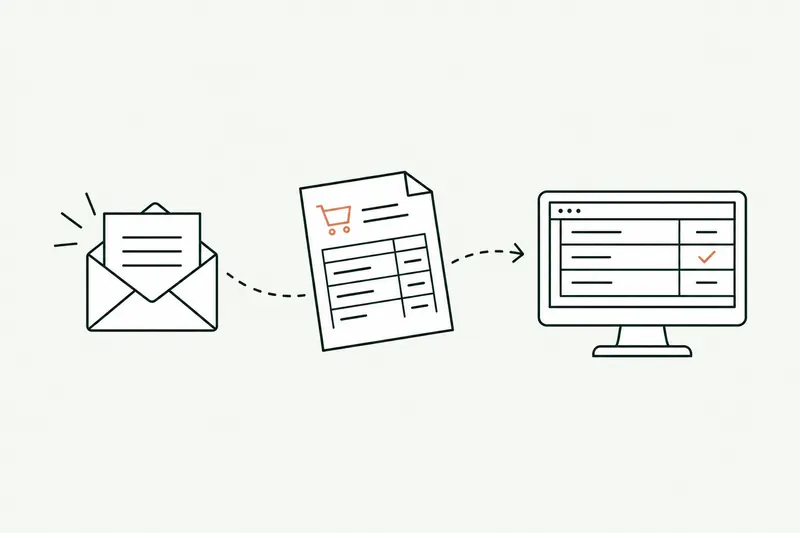
- Automation · 10 minEDI or AI: automating the entry of email orders into your ERPOrder EDI only covers your biggest customers: the others still send PDFs, spreadsheets, and emails that the order desk retypes into the ERP. Here’s how AI reads those orders, checks them against your rules, and prepares them in the software, and what e-invoicing won’t change.Read the article
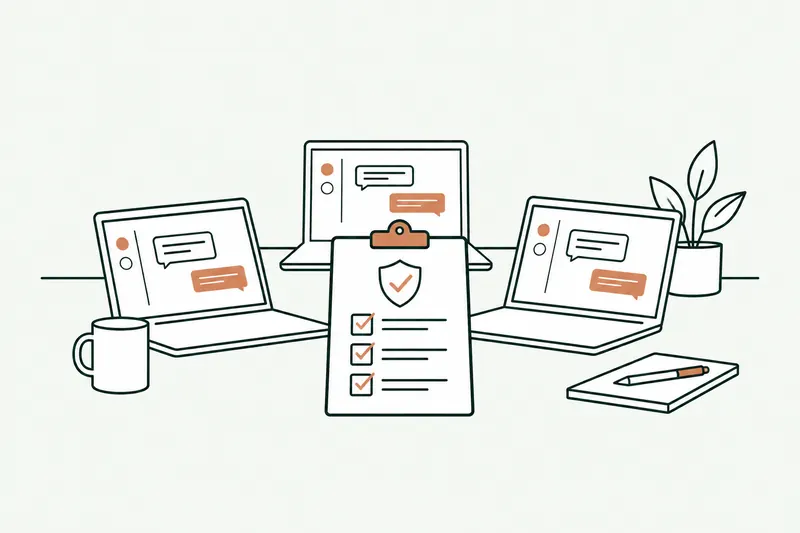
- Data & security · 10 minShadow AI: your team already uses ChatGPT. How to manage it without banning itShadow AI is the use of ChatGPT, Claude, or Copilot at work with personal accounts, outside any framework. The risk isn’t AI, it’s the account: here’s what the numbers, France’s CNIL, and ANSSI say, which accounts to choose, and a one-page AI policy template.Read the article
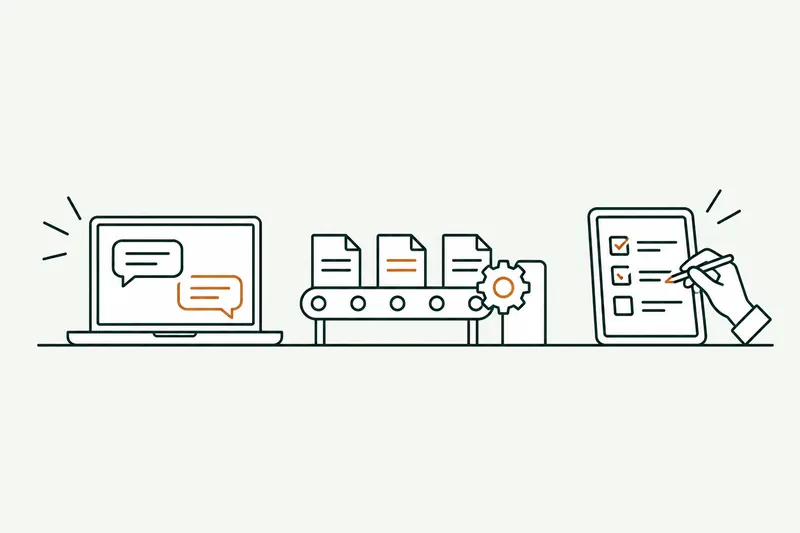
- Agents & chatbots · 11 minAI agent, chatbot, or automation: what’s the difference, and which one fits your business?An AI agent decides the next step on its own and acts in your software, a chatbot answers questions, and an automation follows a path written in advance. Here’s how to tell them apart, six examples from a small business’s day-to-day, and five questions so you don’t pay for an agent where a rule will do.Read the article