Key takeaways
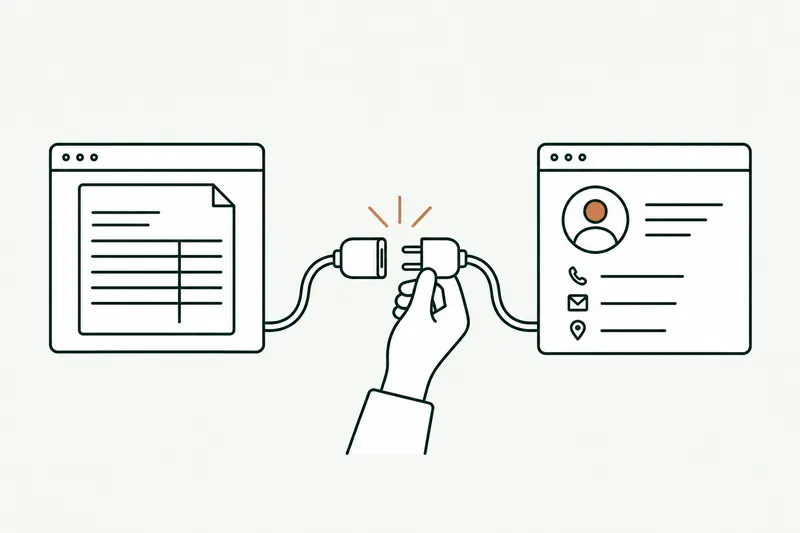
- Order EDI is still the right answer for the large accounts that use it, but it accounts for only 16.9% of revenue in French industry and 12.6% in trade (INSEE, 2024 data): the rest arrives some other way, often by email.
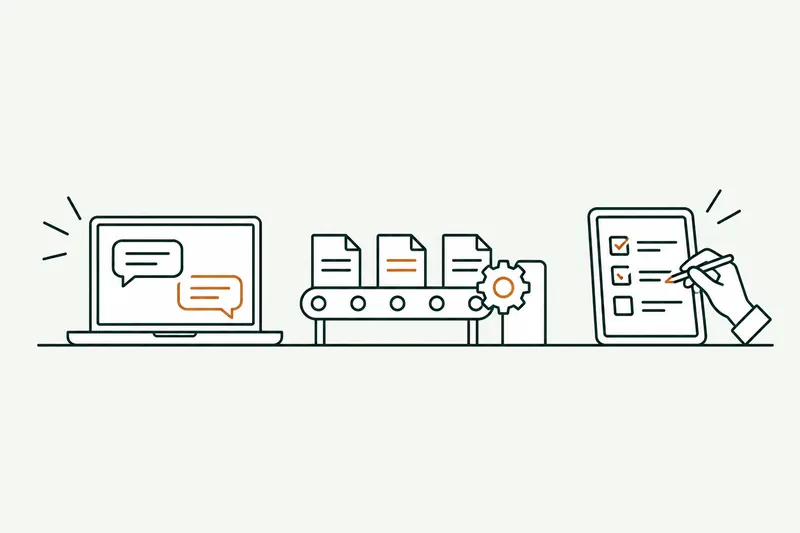
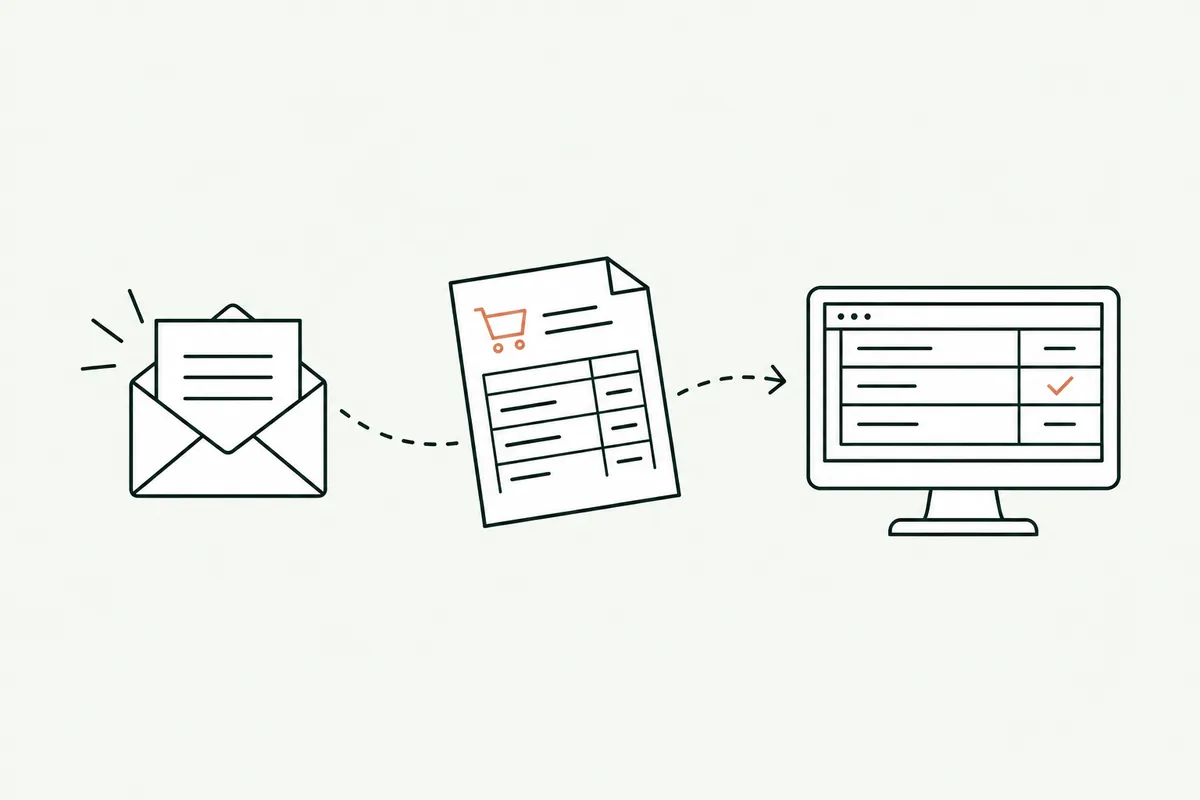
- An AI model reads the purchase order (PDF, scan, Excel file, or email text), recognizes the customer and their item codes, checks prices, discounts, and stock against your rules, then prepares the order in the ERP.
- Each rule has its own setting: approval by the order desk at first, automatic entry once the rule has proven itself. Cases outside the rules always go back to a person.
If you’re looking for an alternative to EDI for customers who will never use it, the answer fits in one sentence: with automated order processing, an AI tool reads the orders they send by email, as PDFs, or in spreadsheets, checks them against your rules, and prepares them in your ERP. EDI is still useful for your large accounts. For everyone else, retyping no longer has to be a fact of life.
I’ll start where it all begins: the order desk’s shared inbox. Dozens of messages a day, each in its own format, and a person retyping the customer number, item codes, quantities, and delivery date into Sage, Odoo, EBP, or Divalto. It’s the first use case I show in a demo, because it’s almost always the one that costs the most without anyone noticing.
Without EDI, what does manual order entry cost you?
Retyping doesn’t show up on any dashboard. It hides in the order desk’s time, in order processing delays, and in data entry errors discovered at delivery. To put a number on it, a simple formula is enough:
orders per day × minutes per order × fully loaded hourly cost × working days, plus the cost of errors (credit memos, returns, redelivery, time spent tracking down the discrepancy).
Published benchmarks come mostly from software vendors. A Forrester study commissioned by Esker (2021, large enterprise) puts it at about 8 minutes per order; a French stationery manufacturer, cited by the vendor Limnos, measured 15. At a food manufacturer described by the same vendor, retyping took up 20 to 25% of the order desk assistants’ time, the equivalent of one full-time employee for about 2,500 order lines a month.
| Assumption (calculation, fictional example) | Value |
|---|---|
| Non-EDI orders received per day | 30 |
| Entry and checking time per order | 10 minutes |
| Time per day | 5 hours |
| Working days per year | 220 |
| Fully loaded hourly cost (assumed) | €25 |
| Annual cost of time alone | €27,500 |
This figure isn’t an industry average: it’s a calculation based on assumptions you replace with your own. It doesn’t count errors, or the customer waiting for an order confirmation because the order desk is swamped on a Monday morning.
Key point For one week, count the orders received outside EDI and time about ten of them. That number, multiplied by your hourly cost, tells you whether automating is worth it. Without it, you can’t judge any quote properly.
EDI vs AI vs B2B portal: what’s the difference?
There are three ways to get an order into the ERP without retyping it. They aren’t mutually exclusive: most wholesale and distribution companies combine two of them.
| Order EDI | B2B portal or catalog | AI on emails | |
|---|---|---|---|
| For which customers | Large accounts, buying groups, major retailers | Regular customers willing to change their habits | Anyone who sends an email, a PDF, or a spreadsheet |
| Who does the work | Both parties (standard, connection, testing) | Your customer (logs in, enters the order) | Just you: nothing changes for the customer |
| Reliability | Very high: structured data | High: the customer enters it | High on known formats; measure it on your documents |
| Limits | Per-customer setup cost, not a fit for small accounts | Many buyers keep emailing their orders | An AI model can misread: it needs rules and review |
The food manufacturer mentioned above makes the point: even with a B2B catalog and EDI offered to customers, most buyers kept sending their orders by email. So B2B order management plays out on two fronts: EDI for those who have it, AI for everything else.
Automated order processing: how AI enters an order in the ERP, step by step
Let’s take a fictional example. Martin SA, a customer of a wholesaler, sends purchase order BC-2042 as a PDF: 14 lines, a delivery date, and a 12% discount that isn’t on its discount schedule. Here’s what the tool does.
- It reads. The email is recognized as an order. The model extracts the customer, the lines, quantities, prices, and date, and notes where each piece of information comes from in the document.
- It recognizes. Martin SA is found in the ERP; the customer’s own item codes are translated into yours, using its cross-reference table.
- It checks. Prices against the customer’s price list, the discount against its schedule, available stock, feasible lead time. The 12% discount isn’t on the schedule, so it gets flagged.
- It prepares. The order is created in the ERP as a draft, with the discrepancy highlighted.
- It confirms or hands off, depending on how the rule in question is set.
What it reads: PDFs, scans, Excel files, plain-text emails
OCR alone turns an image into text without knowing what a quantity is. Today’s AI models read a document the way a person does: a PDF generated by the customer’s ERP, a slightly crooked scan, an Excel file with renamed columns, or three lines typed in the body of the message (“same as usual, but 40 cases of item 1180”). This is what vendors call “AI OCR” or intelligent document processing.
What it checks: customer prices and discounts, item codes, quantities, stock, lead time
That’s where the value lies. The rules are yours, written with the order desk: customer price list, maximum discount, minimum pack size, discontinued items, delivery lead time by area. The tool doesn’t decide for your team what’s acceptable; it applies what they’ve set, and flags each discrepancy instead of entering it silently.
What goes through on its own, what goes back to the order desk
I set human review rule by rule, not once and for all. At first, each order is prepared and a person on the order desk approves it in one click. Once a type of order has been approved many times without edits (a regular customer, known items, prices that match the price list), it can switch to automatic entry. Cases outside the rules always go back to the order desk: a new customer, an unusual discount, an unknown item, insufficient stock. Every action is logged, and you can switch back to approval in one click.
Key point The goal isn’t “zero data entry.” It’s an order desk that no longer retypes, handles the exceptions, and has time to talk to customers. Fewer data entry errors, and every discrepancy in plain sight.
Sage 100, Odoo, EBP, Cegid: how do you connect AI to your ERP?
AI is useless if it can’t write to your software. There are three paths, from cleanest to simplest:
- An API: the tool creates the order directly, as a user would, with the ERP’s own checks. That’s the preferred path. Check your plan, though: on Odoo, for example, the vendor states that the external API is only available on “Custom” plans.
- A file import: the tool produces a file in the format the ERP expects, imported automatically or in one click. Less elegant, but reliable and available almost everywhere.
- An existing connector provided by the vendor or an integrator, when it properly covers order creation.
The choice depends on your version and your hosting. For Sage 100, widely used in wholesale and manufacturing in France, I’ve detailed the options in the article on the Sage 100 API. The integration work itself is covered on the API integration page.
What about quote requests received by email?
The mechanics are the same, with one difference: a quote request is often vaguer than an order. “I’d need the equivalent of your item 2210 in stainless steel, 300 pieces, delivered before the end of November.” The tool finds the customer, suggests matching items, applies their price list and discounts, checks the lead time, then prepares a draft quote in the ERP or CRM.
For automated quotes, I almost always recommend keeping approval by a sales rep longer than for orders: the price commits you, and choosing a substitute product takes an expert eye. The payoff is still clear: the sales rep reviews and adjusts a ready-made quote instead of building it from scratch, and the customer gets an answer faster.
Does France’s e-invoicing reform solve order entry?
No. The reform covers invoices exchanged between businesses established in France, not purchase orders, which can still come in any format. It will reduce data entry for French vendor invoices; your customer orders will keep arriving as before.
| Date | Who | Requirement |
|---|---|---|
| Since September 1, 2026 | All businesses | Be able to receive e-invoices |
| Since September 1, 2026 | Large and midsize companies | Issue e-invoices |
| By September 1, 2027, at the latest | Small and midsize, very small, and micro businesses | Issue e-invoices and transmit data (e-reporting) |
Three clarifications from France’s tax authority (DGFiP) that prevent misunderstandings: an e-invoice “is therefore not a PDF sent by email,” as it contains 34 data fields in a structured format; it goes through an approved platform (150 were approved as of August 1, 2026); and for 2026, the tax authority promises an “educational and proportionate” approach.
Fines do exist in the French General Tax Code, though. For an invoice not issued electronically: €50 per invoice, capped at €15,000 a year (Article 1737). Without a platform to receive invoices: a three-month formal notice, then €500, then €1,000 for each new quarter. For a missing data transmission: €500 per transmission, capped at €15,000 a year (Article 1788 D). A first offense corrected voluntarily or within 30 days isn’t penalized for invoices and transmissions. Have your accountant check your situation.
Finally, foreign suppliers without an establishment in France aren’t covered by French e-invoicing, according to impots.gouv.fr. Their invoices will keep arriving as PDFs: another natural use for the same AI reading, and one more reason to design the tool for all your incoming documents, not just orders.
How do you measure whether AI reads your orders correctly?
An accuracy rate quoted without a test on your own documents tells you nothing about your customers. Before deciding anything, here’s the test I suggest:
- Gather 20 real orders, chosen for their variety: your biggest non-EDI customers, scans, spreadsheets, orders typed in the email. Anonymize them if needed.
- Measure field by field: customer recognized, each item, each quantity, each price, the delivery date. An order that’s 95% right is still an order to correct.
- Count the orders read without a single edit. That’s the number that tells you how many orders could one day switch to automatic entry.
- Look at what the tool flags. A good tool isn’t judged only on what it reads correctly, but on its ability to say “I’m not sure about this line.”
Specialized vendors publish impressive results: Esker cites a food industry customer where about 80% of orders go through without intervention after six months. These are mature tools, on large volumes, after a tuning period. For a first project, aim first for faster, safer order processing, then expand the automated share as the rules prove themselves. That’s the role of the prototype, built on your own orders.
What I don’t recommend
- Believing a promise of “zero data entry” or “perfect accuracy.” An AI model can misread a number. The right promise is fewer errors, every discrepancy flagged, and a log you can review.
- Writing directly to the ERP’s database. It’s tempting when there’s no API, but you bypass the software’s checks and risk breaking stock and accounting. Go through the API or the import provided by the vendor.
- Automating everything from day one. Start with approval on every order, then automate the rules one at a time, customer by customer.
- Dropping EDI where it works. For your buying groups and large accounts, it remains the most reliable option. AI complements it; it doesn’t replace it.
- Forgetting your master data. If your customer records, price lists, or item cross-reference tables are wrong, the tool will faithfully reproduce those errors. A cleanup is often worth more than one more rule.
If you’re torn between a simple automation, an agent that can read and decide, or a chatbot, the article AI agent vs chatbot vs automation will help you choose. And if orders are just one part of a broader need, like a customer portal or a full business tool, see what custom business software costs. The case of orders received by email is covered in detail on the business process automation page, and it applies just as well to food and beverage companies.
Sources
- E-commerce by companies: share of revenue from electronic sales (in French), INSEE, 2024 data, published July 21, 2026
- The Total Economic Impact of the Esker Order Management Solution, Forrester Consulting for Esker, 2021
- Lebon Vernay customer example (in French), Limnos
- Traiteur de Paris customer example (in French), Limnos
- Valrhona and Capsa Food customer examples (in French), Esker, 2026
- Everything you need to know about e-invoicing (in French), DGFiP, FAQ of August 26, 2026
- Switching to e-invoicing (in French), impots.gouv.fr, updated September 1, 2026
- E-reporting for foreign companies without a permanent establishment in France, impots.gouv.fr
- French General Tax Code, Article 1737 (in French), Légifrance
- French General Tax Code, Article 1788 D (in French), Légifrance
- External API, Odoo 19.0 documentation

Loïc Legrand
AI developer and integrator in Paris, founder of DigitalCX. Eight years of web development and design; he builds AI tools plugged into the software small businesses already use.